Projects I work on. Just figuring out it as I go.
  • Smart Zombies w/ GOAP

    In this project I created zombie Nonplayable Characters (NPCs) that use Goal Oriented Action Planning (GOAP) to drive their logic and behaviors. GOAP is basically a design pattern that allows developers to create an NPC system that makes gameplay feel more immersive because  the NPCs can make decisions about their actions instead of cycling through a predictable routine. 

    To keep it brief, and potentially over simplify it, my implementation of GOAP uses 5 parts:

    State Data: Each NPC (or Agent) is capable of sensing information in the game world. The important bits of information are stored in simple key value pairs. This includes things like resources, tools, objects in the world. State data is specific to each AI agent.

    Agents: NPCs in the game. Each Agent has its own state data, but it doesn’t always know what to do with that information, so they need a little help from the planner.

    Goals: Of course these are objectives. Each goal is directly related to a desired value in the state data. For example, state data contains the following key value pair: {player alive: true}. One of the NPCs goals is to eliminate the player so the desired state would be {player alive: false}. Multiple goals can exist at the same time so it’s important to have priority defined for the goals.

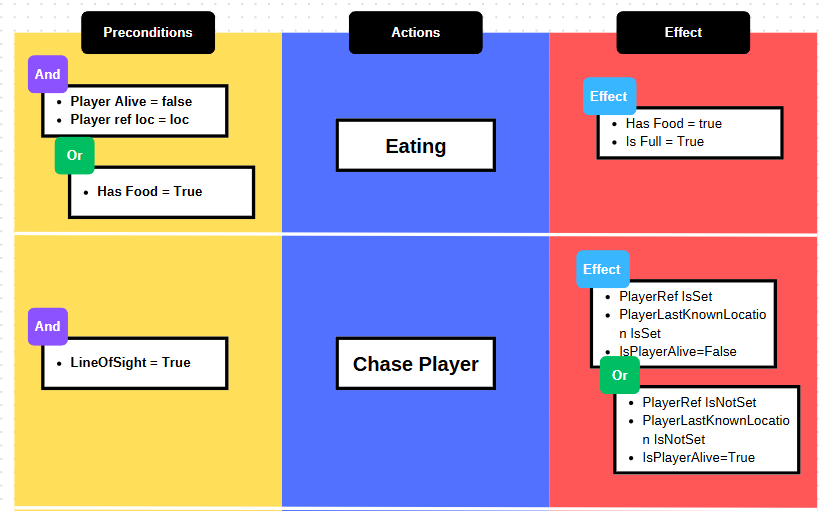
    Actions: Units of activity that lead to a goal being met. This is things like moving to a location or picking up an item. Each action has 3 parts: a precondition, the action, and an effect. The precondition must be true for the action to be performed. The NPC can’t use an item if it’s not in its inventory, so the precondition must check that the NPC has the item. The action is the actual task. This includes things like moving to a location or picking up an item. The effect defines the change to the state data and impacts the next selected action. If the action was moving to another location, the Agent’s state data should reflect that move as an effect.
    Planner: It’s essentially the responsible adult. When an Agent does not know what to do, it reaches out to the planner with its state data. The planner evaluates the state data and determines what the agent’s goal should be. Then it uses Dijkstra’s algorithm to determine the best set of actions that’ll most likely accomplish the goal. The plan is sent back to the Agent to be executed

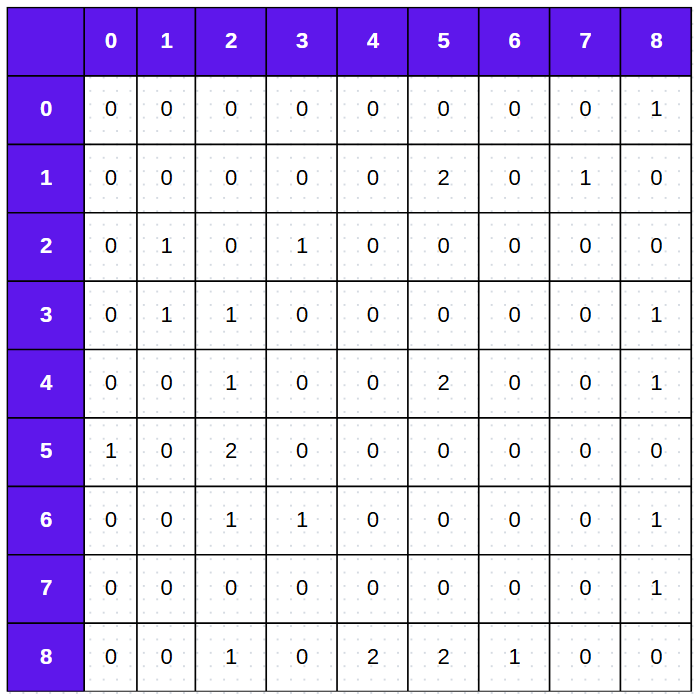
    In addition to these 5 things I also needed a graph (aka adjacency matrix) to represent available paths and a way for NPCs to change their minds when priorities change or plans cannot be completed.
    I was able to implement this entire system using Blueprints and State Trees in UE5. I was also able to use an Actor Component to implement the Planner. The result has been zombies that feel much more random than other NPCs I’ve made. Through this project I was able to revisit useful search algorithms and find more interesting uses for State Trees. For more information, check out the full video here.
  • TPDP – Exploring State Trees

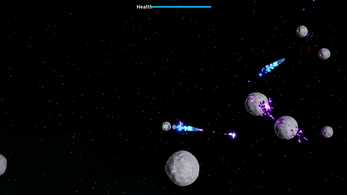
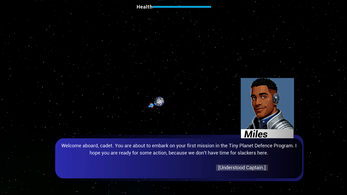
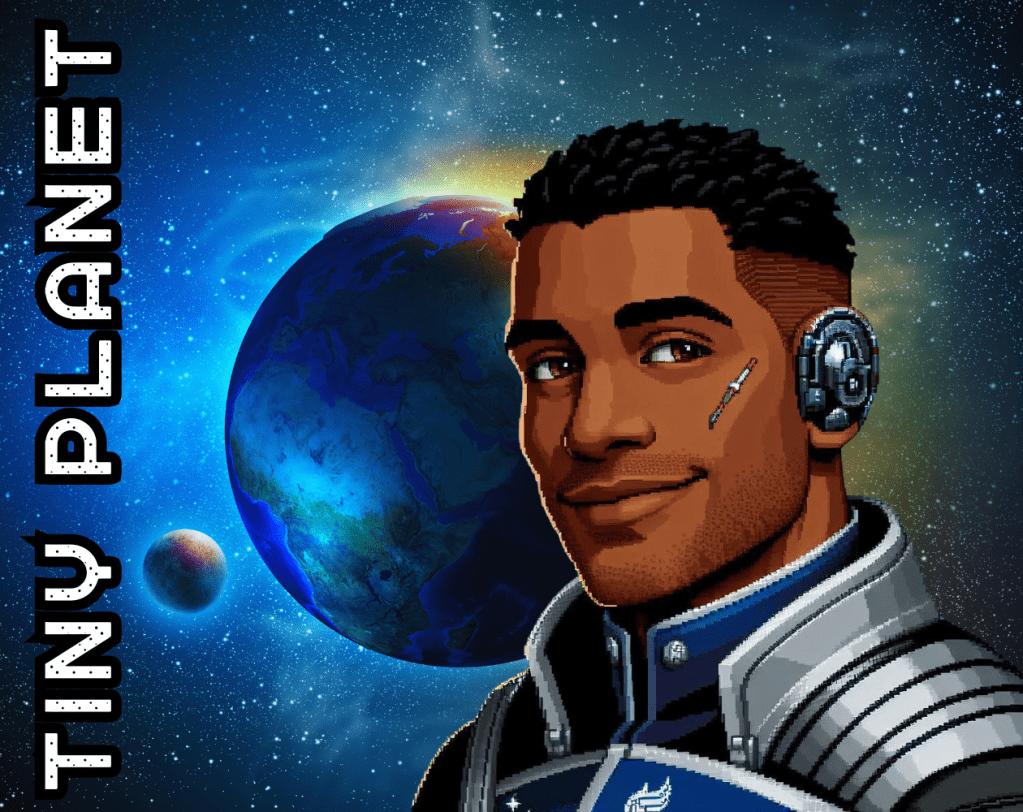
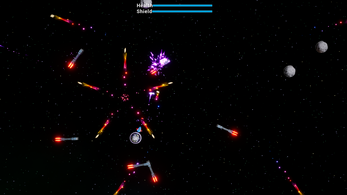
    Tiny Planet Defense Program (TPDP) is a small game I made for a Game Jam. My main goals were to get familiar with state trees (STs) by using them as much as possible, and to try to implement a narrative with stages/levels because I hadn’t done that in any other project yet. 

    In Unreal Engine STs are general purpose hierarchical state machines. They create a very flexible and functional multipurpose tool by combining selectors from behavior trees and state and transitions for state machines. Creating simple enemy NPC logic was very easy with STs. Each type of enemy had its own ST, but I was able to break down shared actions, like moving and rotating, into modular state tree task nodes. This allowed me to reuse most of the ST task blueprints across the various STs.

    This game was inspired by the 1979 classic Asteroids. So I had to figure out how to wrap all objects around the screen when they go off screen. I handled this with a box trigger that teleports enemies to the other side of the screen with a small offset.

    When it came to the narrative and dialog, I over scoped the project for the amount of time I had so I used AI to compensate. I wrote character sheets for a few characters and had GPT generate dialog and art. This gave me what I needed to implement the dialog system which ended up being a plugin I found on the Epic store. For more information on State Trees, check out this playlist here.

  • Asteroid – Building Fundamentals

    Asteroid was an entry into a GMTK Game Jam. To participate in this jam I had to make a game in 48. The first version that I submitted to the jam was a complete disaster, but after the jam was over I decided to fix it. 

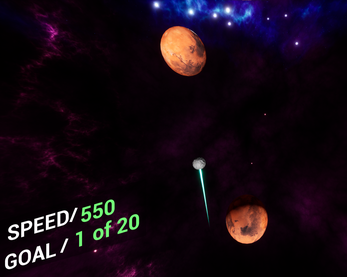
    The main problem was the game didn’t have a clear objective, so I started by clarifying win/loss conditions and making them as simple as possible. Then I needed to communicate the player’s goal much more clearly. The end result is a game where the player must launch an asteroid from planet to planet in order to get to Earth. The player wins if they successfully make it to Earth, but they lose if they miss a planet. 

    The hardest part of this project was figuring out how to make the asteroid orbit planets of various sizes at random speeds. I tried to use some equations and physics simulation to solve but the simplest solution ended up being the best. When the asteroid enters a planet’s orbit, I use a Rotating Movement Component with a Pivot Offset. This project taught me the fundamentals of game development. Feel free to check out the game here.

  • Timelines Are Performant

    One of the first games I tried to make was a 3 lane infinite runner. I use timelines to move the character between lanes, but I was having performance issues. I read some forum that bashed timelines for being resource heavy, so I assumed that was the issue and never used them again. Later I realized that I never verified that statement, so I decided to do a  project that would use timelines heavily and gauge its performance.

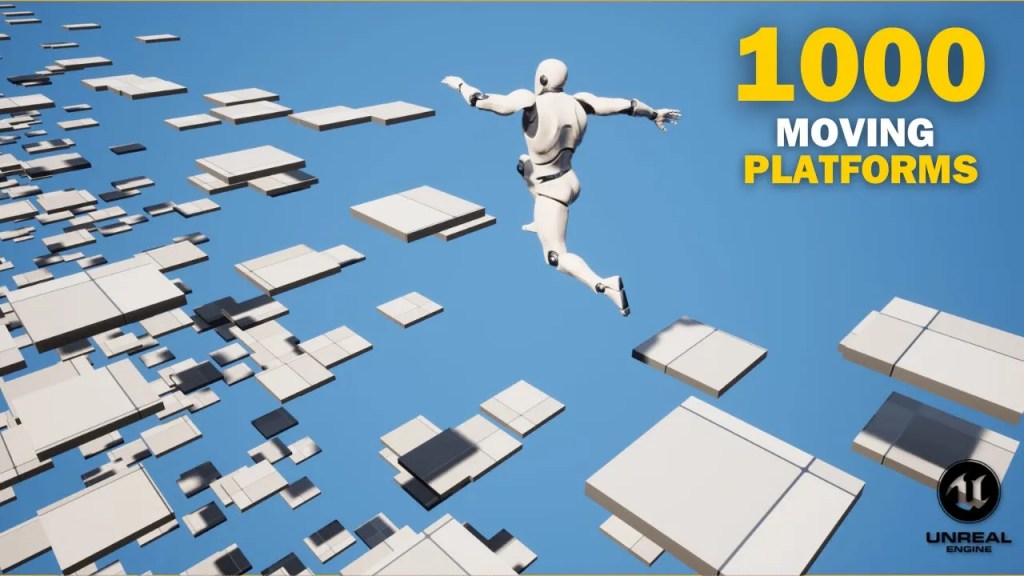
    For this project I made an obstacle course with a lot of moving obstacles. To make the obstacles move smoothly I used timelines combined with vInterp nodes. Turns out  timelines are very performant, and now I use them regularly in a lot of ways! To see this project check out this video here.

  • Vaulting – Line Traces and Timing

    For this project I wanted to learn how to create interesting locomotion on foot and parkour seemed like a great way to do this. The problem was figuring out how to make parkour look good in a varied environment. Objects have various heights and depths so a variety of animations were needed.

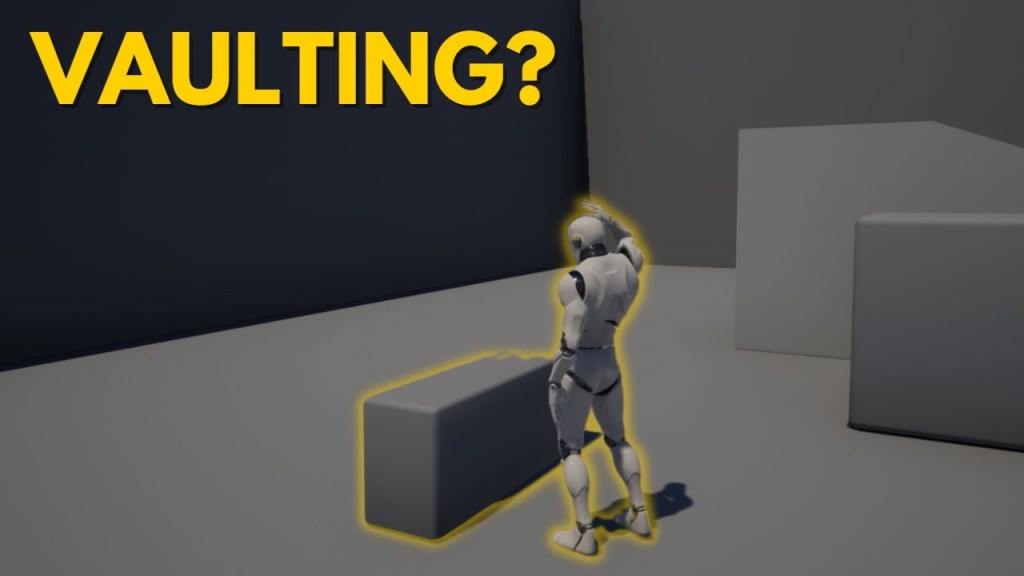
    After I found the animations I wanted to use, I had to figure out how to trigger them based on the obstacle in front of the player. To do this, I need to use a line trace. A line trace performs a collision trace along a line and returns the first object that is hit. When the player initializes a jump I fire a single line trace in front of the player. If it doesn’t hit anything, the player performs a normal jump. If it does hit something, more information about the object is needed, so I fire 2 more line traces from the point of collision. The first line goes straight up to find the height of the object. If the height is too high to be reached the character performs a normal jump. If it isn’t I need to find the depth of the to determine the type of jump to do. A third line trace is fired forward from the point of collision to find the depth of the obstacle. If it’s wide enough to stand on, the character will climb onto the object. If it’s the character will climb or vault over the obstacle.

    This was a great way to learn a lot about collision and line traces. The system worked well enough, but it required a lot of fine tuning to get it to look good. If I ever revisit this, I think I’ll try giving all obstacles height and depth attributes so less tracing will need to be done to find that information.

  • The Merchant – My First Game

    The Merchant was a submission to GameOff 2022. I had a month to make a game about anything I wanted. Up to this point, I had only worked on parts of projects, but this was the first one I was determined to finish and post for feedback.

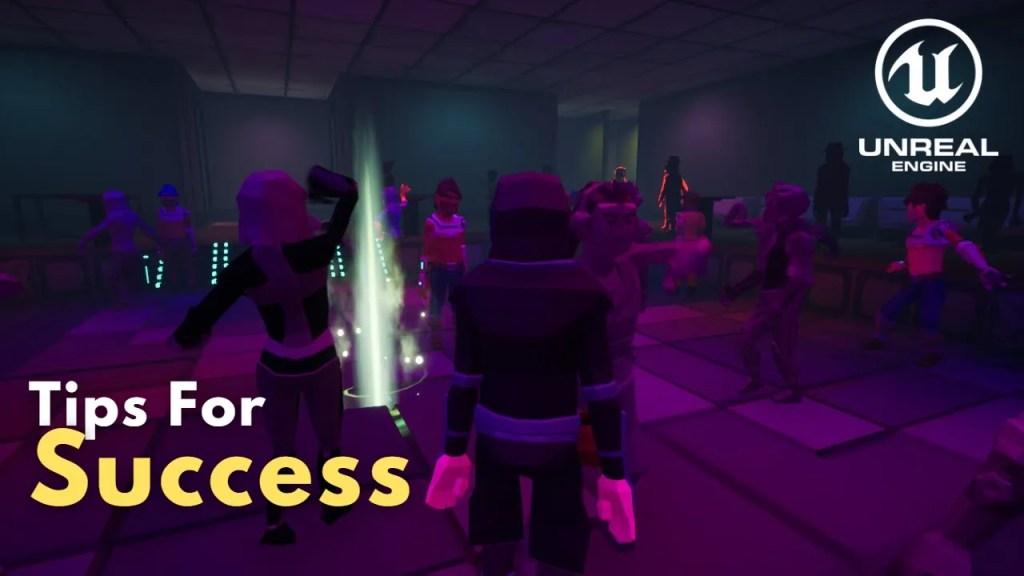
    This project isn’t pretty, but it helped me comprehend the difference between game programming and application programming. The game was about a merchant sneaking through a level and leaving convenient power-ups for a hero. The level is set in a nightclub so there is a lot happening simultaneously. All NPC behavior is simple, but it helped me learn how to prioritize real time events. I had also never worked with cinematic sequences before, so this gave me a good chance to learn how to create those too.

    If you’d like to see the project, it is downloadable here.

  • Level instancing

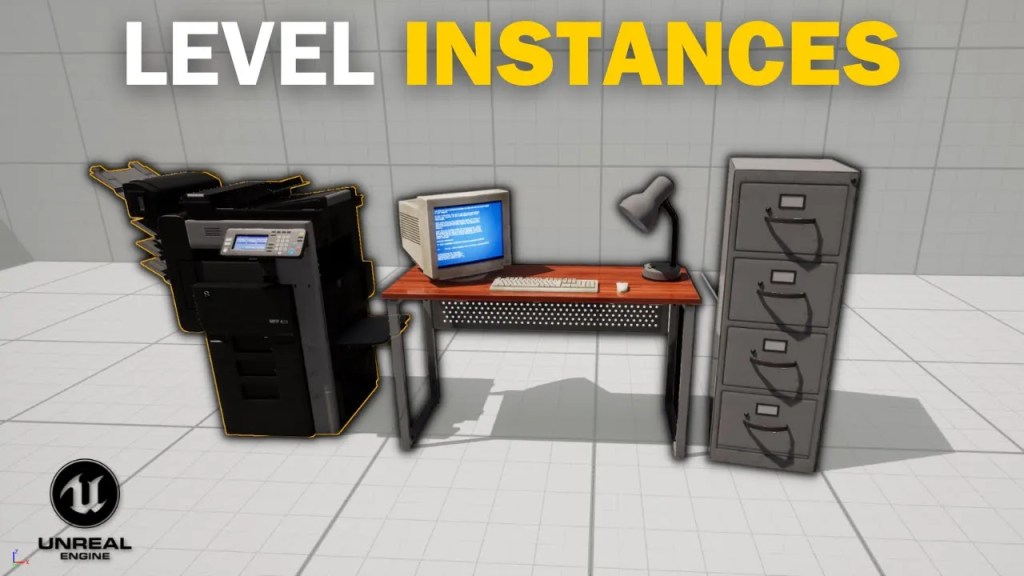
    I spent some time learning the basics of loading and unloading levels. The tool I’ve found the most useful in my projects is level instancing. Level instancing is great for repeated actors in game worlds. I’ve used them for save stations and cubicle layouts in my projects. They’ve improved my workflow by automatically updating all instances of an actor when I update one. For an example, check out this video.